
Can You Receive Attachments on Temp Mail? Full Guide
Many users wonder if they can receive files and attachments on temp mail. This is a very common question because many websites send PDFs, images, and documents by mail.
In this guide, we will explain whether temp mail supports attachments, what risks are involved, and how to use it safely.
What Are Email Attachments?
Attachments are files sent along with a mail message such as:
- PDF documents
- Images
- ZIP files
- Text documents
Many services send receipts, reports, and downloads as attachments.
Does Temp Mail Support Attachments?
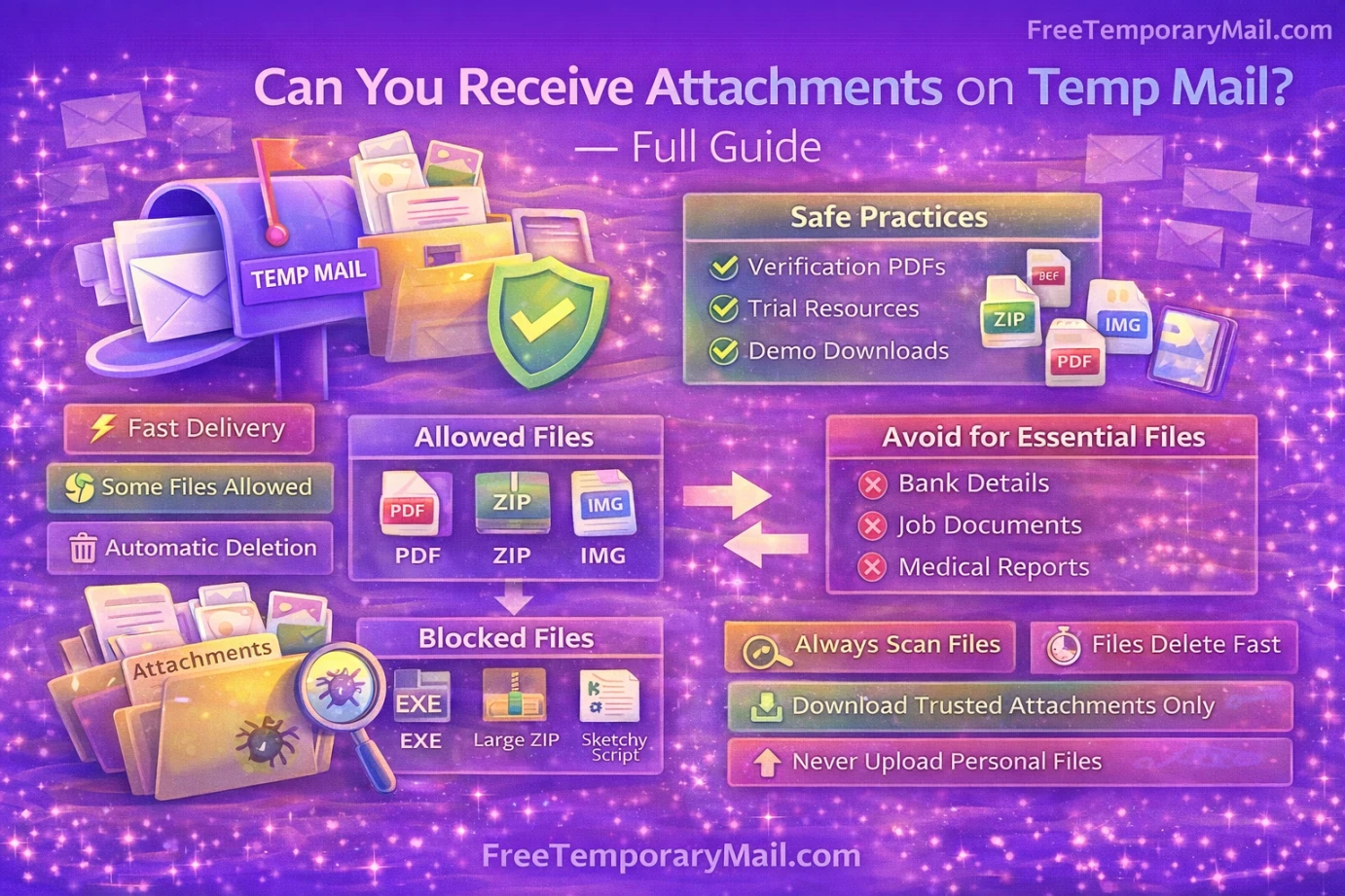
Some temp mail services allow receiving attachments, while others block them to prevent misuse and malware.
Free Temporary Mail supports viewing mail content and basic file attachments depending on file type and sender.
Why Some Temp Mail Services Block Attachments
Attachments can be risky because:
- They may contain viruses
- They increase server storage
- They can be abused for illegal sharing
To protect users, many disposable mail services limit file downloads.
What Types of Files Are Usually Allowed?
Common allowed attachments:
- PDF files
- Images
- Small text files
Often blocked:
- Executable files
- Large ZIP files
- Suspicious scripts
This helps reduce security risks.
Is It Safe to Download Attachments from Temp Mail?
Downloading attachments always carries some risk. Especially when mails come from unknown senders.
You should:
- Scan files with antivirus
- Avoid opening unknown documents
- Never download executable files
Your device safety is more important than convenience.
Best Use Cases for Attachments on Temp Mail
Temp mail attachments are useful for:
- Receiving verification PDFs
- Getting trial reports
- Downloading demo resources
But not for personal or business documents.
When You Should Not Use Temp Mail for Attachments
Avoid using temp mail for:
- Bank statements
- Legal documents
- Job offer letters
- Medical reports
Inbox may expire and files may be lost permanently.
How Long Are Attachments Stored in Temp Mail?
Attachments remain available only while the inbox is active. Usually:
- 24 to 48 hours
- Or until browser session ends
After expiry, messages and files are deleted automatically.
Can Attachments Be Recovered Later?
No. Once inbox expires, attachments are deleted permanently. There is no recovery option.
Always download files immediately if needed.
How Free Temporary Mail Handles Attachments
Free Temporary Mail focuses on:
- Fast message delivery
- Safe inbox viewing
- Automatic deletion
File handling is kept simple to protect users.
Smart Tips When Using Temp Mail for Attachments
- Download files only from trusted senders
- Never upload personal documents
- Switch to real mail for important files
- Always scan downloaded files
Common Myths About Temp Mail Attachments
Myth: All temp mail blocks files.
Truth: Some services allow basic attachments.
Myth: Temp mail is safe for important documents.
Truth: It is not reliable for long-term storage.
Final Verdict
Yes, you can receive some attachments on temp mail, but it should only be used for low-risk and short-term files.
For important documents, always use your real mail account. Temp mail is best for quick verification and testing only.
Use disposable mail wisely to stay safe and private online.
Recommended Reads
- Best Temporary Email in USA Best Temporary Email in USA – Safe & Disposable Email Services.
- How to Get Unlimited Free Temp Mail Online How to Get Unlimited Free Temp Mail Online | Free Temporary Mail.
- About Free Temporary Mail Know how our temp mail service protects your privacy.
- Contact Free Temporary Mail Team Have questions or suggestions? Get in touch with us.
- Free Temporary Mail – Disposable Temporary Email | Temp Mail With Free Temporary Mail, users can generate a temporary email address within seconds. There is no need for registration, login, or password creation..