
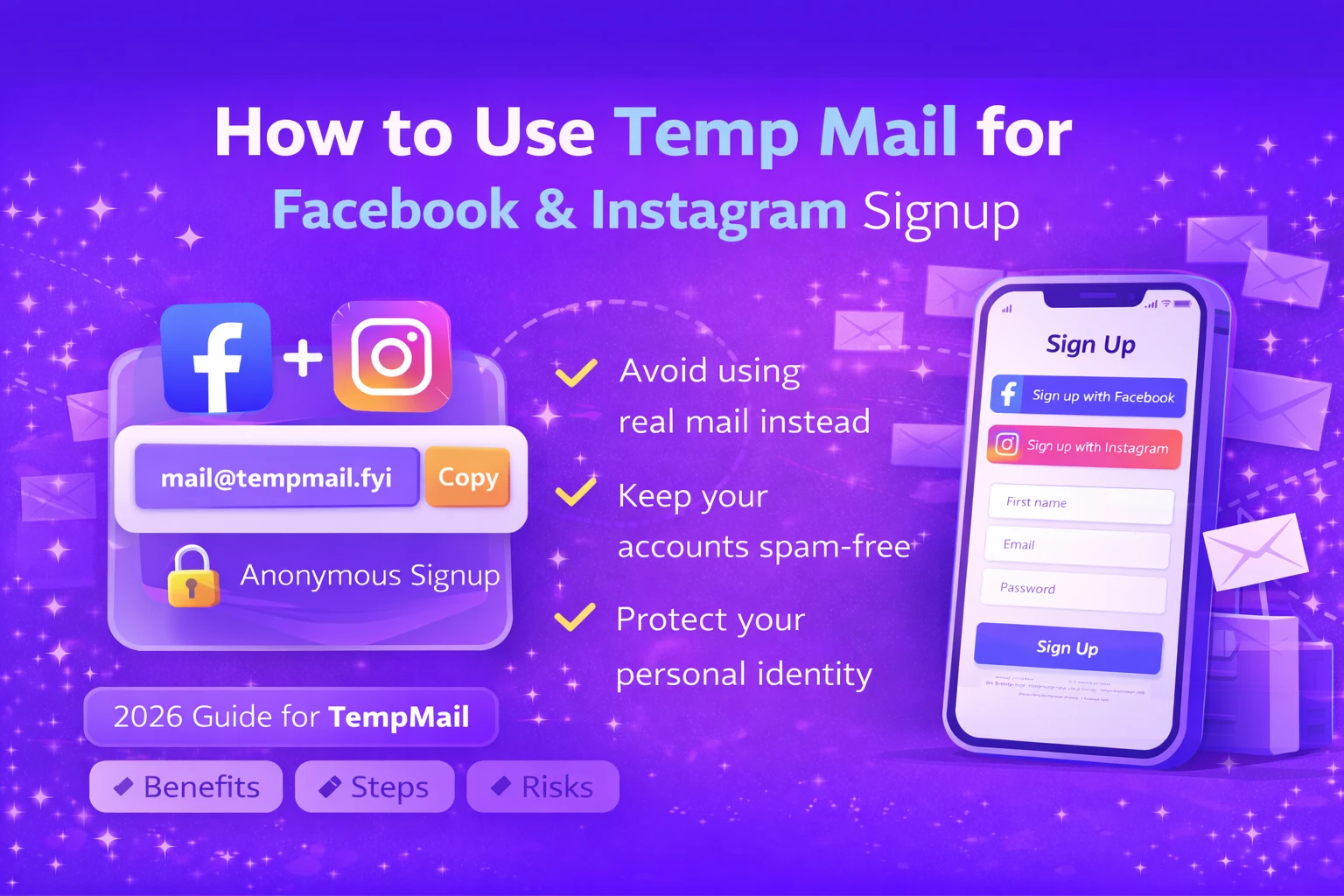
How to Use Temp Mail for Facebook and Instagram Signup
Facebook and Instagram are the most popular social media platforms in the world. When you create an account, they ask for a mail address for verification and security. If you do not want to share your real mail, you can use temp mail instead.
In this guide, you will learn how to use temp mail for Facebook and Instagram signup, why people use disposable mail, and when you should avoid using it.
Why Do People Use Temp Mail for Social Media Signup?
Many users do not want to give their real mail address to social media platforms. Using temp mail helps protect privacy and reduces spam messages.
Common reasons include:
- Keeping personal inbox clean
- Creating test or backup accounts
- Protecting identity online
- Avoiding marketing emails
Can You Use Temp Mail for Facebook and Instagram?
Yes, in many cases you can use temp mail for Facebook and Instagram signup. You simply enter the disposable mail address during registration and receive the verification code in your temp mail inbox.
However, sometimes these platforms may block certain disposable mail domains. If that happens, you may need to refresh and get a new temp mail address.
How to Sign Up on Facebook Using Temp Mail
- Open FreeTemporaryMail.com
- Copy the generated temp mail address
- Go to Facebook signup page
- Paste the temp mail in email field
- Enter other required details
- Check temp mail inbox for verification code
- Enter code to complete signup
Once verified, your Facebook account will be created.
How to Sign Up on Instagram Using Temp Mail
- Open Instagram signup page or app
- Paste your temp mail address
- Fill username and password
- Wait for verification mail
- Enter the code to verify account
After verification, your Instagram account becomes active.
Is It Safe to Use Temp Mail for Social Media?
Temp mail is safe for creating casual or testing accounts. It protects your real inbox and avoids spam messages.
But you should not use temp mail if:
- You want long-term access to account
- You plan to use two-factor authentication
- You may need password recovery in future
Because once temp mail inbox is deleted, you cannot recover your account easily.
Risks of Using Temp Mail on Facebook and Instagram
- Account recovery becomes difficult
- Inbox expires after 24–48 hours
- Platform may block disposable mail
Always think about purpose before using disposable mail on social media.
Best Practices for Using Temp Mail Safely
- Use temp mail only for short-term accounts
- Do not link temp mail accounts with real identity
- Finish verification quickly
- Do not use for business pages or ads
Why Use Free Temporary Mail for Social Media Signup?
Free Temporary Mail provides instant inbox, live message refresh, and multiple domain options to improve delivery success.
You can generate unlimited temp mail addresses without signup or payment.
Final Thoughts
Using temp mail for Facebook and Instagram signup is useful when you want privacy or need short-term access. It protects your real inbox and reduces spam.
But for main personal accounts, always use your real mail address to avoid future problems. Use temp mail smartly and safely.
Recommended Reads
- Best Temporary Email in USA Best Temporary Email in USA – Safe & Disposable Email Services.
- Best Disposable Temp Mail Services in 2026 Best Disposable Temp Mail Services in 2026 - Free, Fast & Anonymous.
- About Free Temporary Mail Know how our temp mail service protects your privacy.
- Contact Free Temporary Mail Team Have questions or suggestions? Get in touch with us.
- Free Temporary Mail – Disposable Temporary Email | Temp Mail With Free Temporary Mail, users can generate a temporary email address within seconds. There is no need for registration, login, or password creation..